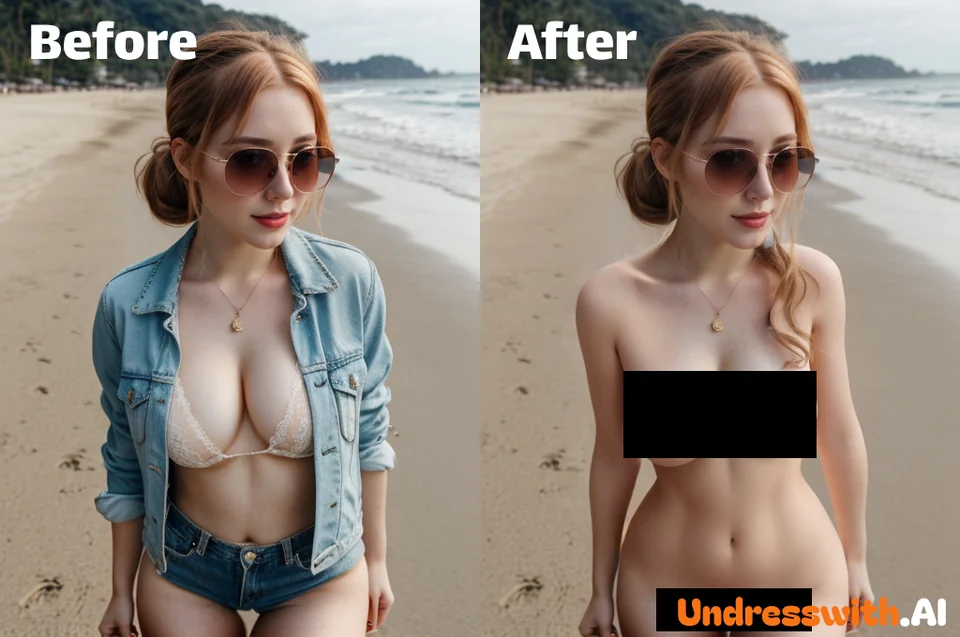
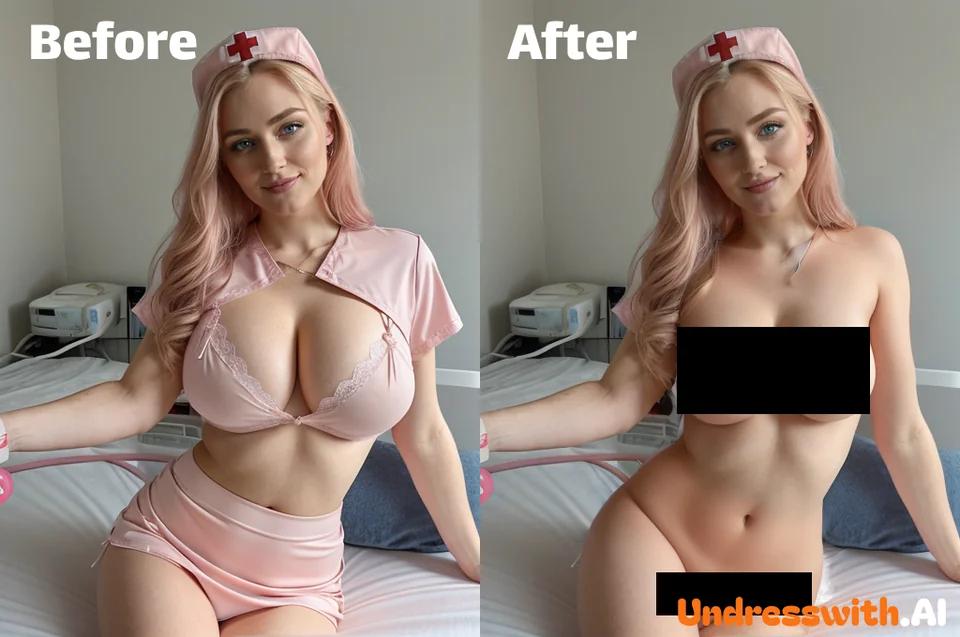
In portrait photography and e-commerce visuals, getting the perfect outfit presentation often requires hours of retouching. Whether it's removing a distracting scarf, eliminating wrinkles, or modifying a neckline, the AI Portrait Clothing Editor offers a professional solution. Powered by advanced Generative AI, it allows you to precisely edit, remove, or reconstruct specific clothing areas while maintaining natural skin texture and lighting consistency.
What is AI Portrait Clothing Editor?
Precision "Smart Eraser" for Fashion
This tool is not just a simple eraser; it's a context-aware generative engine. It understands the 3D structure of the human body and the physics of fabric. When you select a specific garment area to edit (e.g., removing a jacket to show the shirt underneath, or erasing a strap), the AI intelligently reconstructs the occluded areas, ensuring the transition between skin, remaining clothing, and background is seamless and realistic.
Solve Complex Occlusion Issues
In commercial shoots, models' hair or accessories often block key details of the clothing. Our Clothing Occlusion Processing technology can automatically identify and "lift" these obstructions, restoring the complete view of the garment or body contours without needing a reshoot.
How to Use the AI Clothing Editor?
Achieve professional retouching in three steps:
Step 1: Upload Portrait Upload your model photo or selfie. High-resolution images yield the best texture reconstruction results.
Step 2: Mask the Area Use the brush tool to paint over the clothing item, accessory, or occlusion you wish to modify or remove.
Step 3: AI Processing Enter a prompt if you wish to replace the item (e.g., "white t-shirt"), or leave it empty to let the AI intelligently remove the layer and fill the gap based on context. Click generate to see the result.
Core Features & Advantages
Layer Management & Removal
Easily edit multi-layered outfits. You can virtually "remove" an outer coat to reveal the inner styling, or remove distracting accessories like necklaces or bags that clash with the look, giving you total control over the styling presentation.
Texture-Aware Inpainting
Unlike traditional clone stamps that blur details, our AI generates realistic skin pores, fabric weaves, and shadow gradients. Whether it's exposing the neck area or smoothing out a fabric fold, the result looks optically captured, not digitally painted.
E-commerce Workflow Optimization
For fashion retailers, this tool is a game-changer. Quickly fix wardrobe malfunctions, remove tags left on clothes, or adjust sleeve lengths virtually, significantly reducing the cost and time of post-production.
Common Use Cases
Fashion E-commerce Retouching
Clean up product shots by removing lint, wrinkles, or distracting styling elements. Ensure the focus remains 100% on the product you are selling.
Creative Costume Design
Designers can use the tool to visualize changes. "Cut" a dress shorter or remove sleeves in the photo to preview design alterations before cutting actual fabric.
Social Media Photo Perfection
Fix your travel photos or selfies by removing a bag strap that cuts across your shoulder, or adjusting a collar that sits awkwardly, ensuring you look your best in every shot.
Frequently Asked Questions (FAQ)
Q1: Can this tool change the color of clothes?
Yes. By selecting the clothing area and using a text prompt (e.g., "red silk dress"), you can not only remove the original texture but replace it with a new color or material entirely.
Q2: Does the AI work on complex backgrounds?
Absolutely. The algorithm separates the foreground subject from the background, ensuring that edits to the clothing do not distort the scenery behind the person.
Q3: Is the skin texture realistic after editing?
Yes. One of our core strengths is Skin-Preserving Inpainting. When clothing covers are removed to reveal skin (e.g., changing a high neck to a V-neck), the AI generates skin that matches the model's original skin tone and lighting conditions perfectly.
Q4: What file formats are supported?
We support all major image formats including JPG, PNG, and WEBP. For professional results, we recommend using high-quality original files without excessive compression.